Developer Tooling Landscape for Navigating an Unfamiliar Codebase
Match your tools to the bottleneck: context gap, not reading ability.
New engineers rarely struggle with reading code. When you speed up onboarding on a large, unfamiliar codebase, you close a context gap, not a literacy gap. The tools that help fall into four distinct layers: cross-repo search, code intelligence platforms, AI context infrastructure, and natural-language access for non-engineers, and the fastest path to productivity is matching the right layer to the actual bottleneck a team faces.
Context, Not a Reading Problem
New engineers fall into this gap, and so do tenured ones, because three forces create it. The second is documentation decay. The third is structural complexity: modern systems, particularly those built as microservices or spread across dozens of repositories, are too large and too interconnected for any single person to hold in working memory, no matter how experienced they are.
These three forces do not respond to the same remedy, and that is the reason no single tool closes the whole gap. At the scale of a distributed, multi-repo architecture, the problem compounds further: a function call in one repository routinely invokes code that lives in another, so whatever context an engineer can hold locally, in one editor, in one repo, is structurally insufficient to answer the questions that actually come up during onboarding.
How the tool landscape maps to distinct layers of the context problem
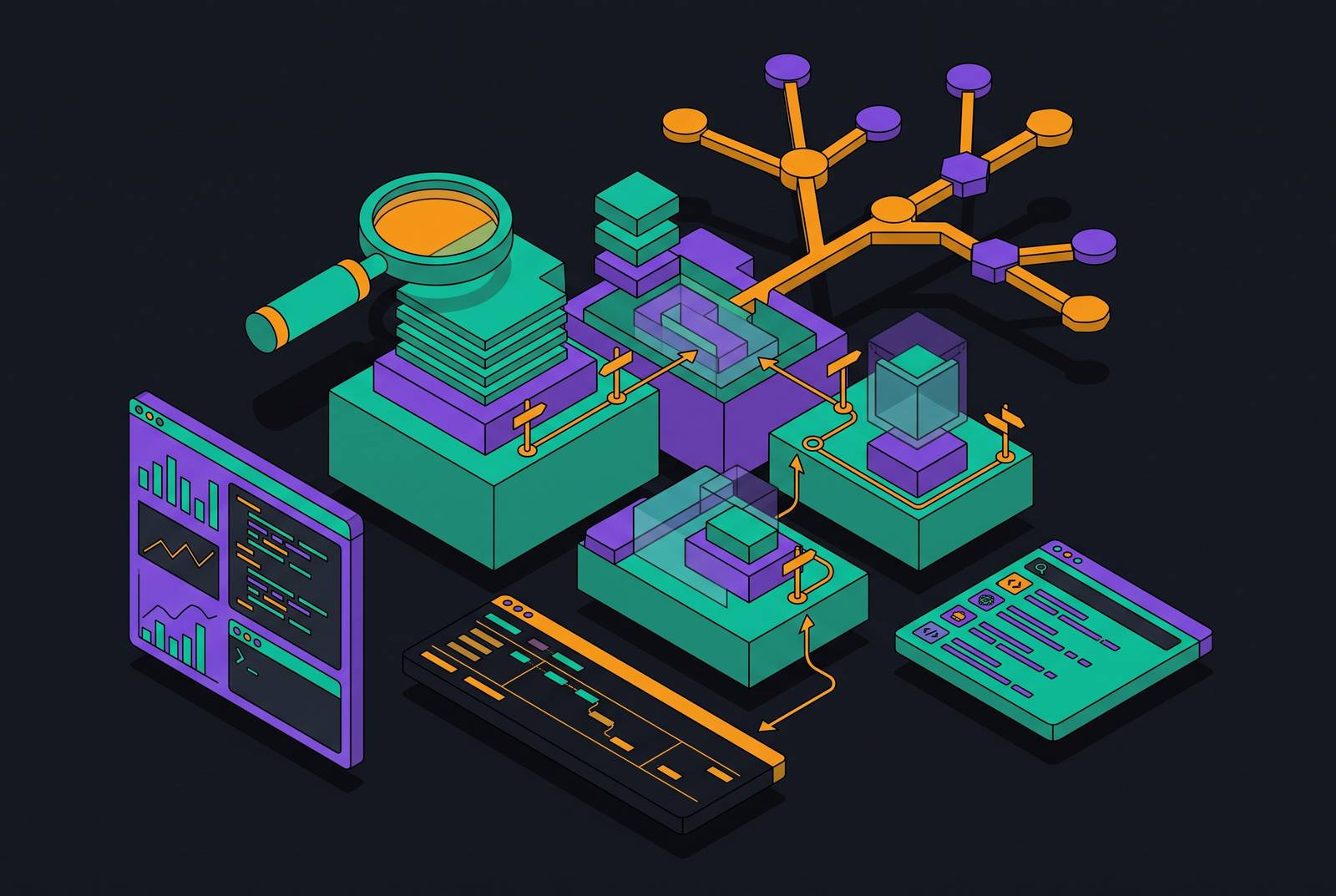
A four-layer framework addresses the problem directly, with each layer handling a separate piece of it. Layer 4 is non-engineer and new-hire access: it surfaces answers from code and the artifacts around it, tickets, runbooks, and past decisions, for people who do not read code fluently and would otherwise have to interrupt someone who does.
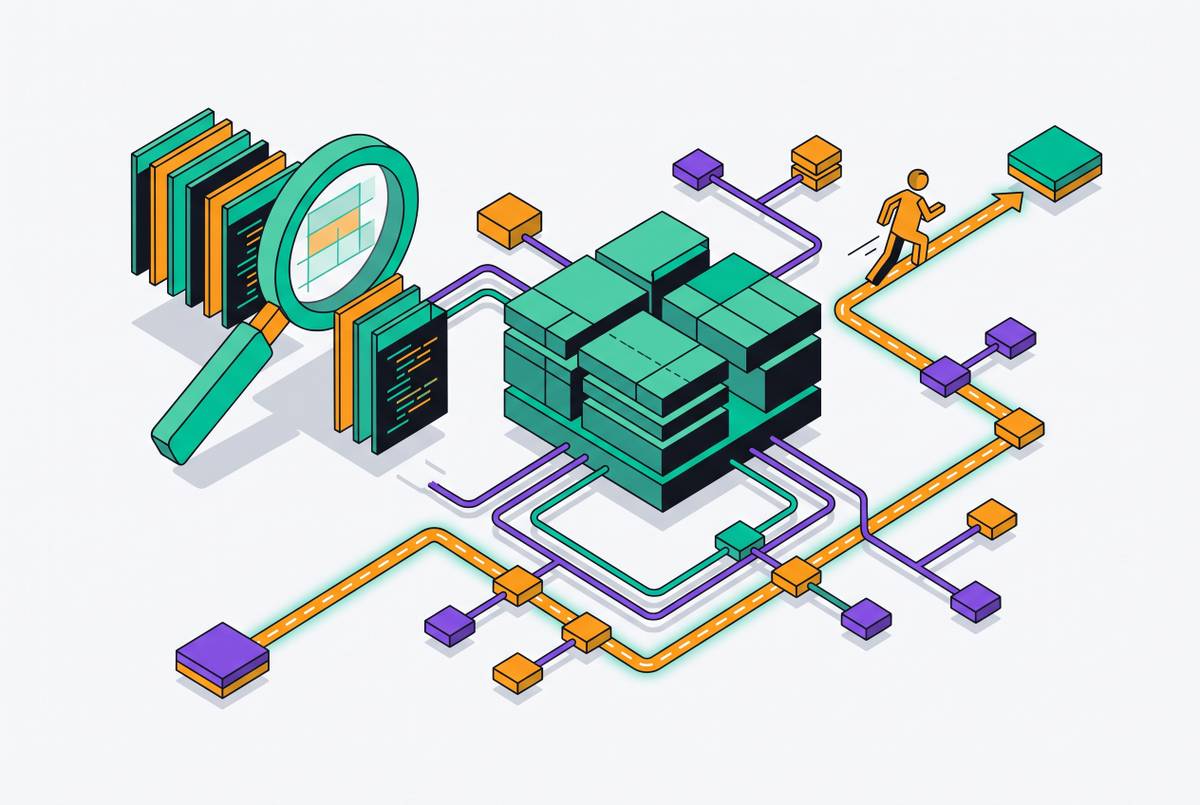
Layer 1: Cross-repo search, finding code and its connections across a large, distributed system
Cross-repo search is the foundation layer. Navigation tools answer questions like "where is this function defined," "which files reference this variable," and "show me every implementation of this interface across our repositories." They do not answer "why does this code exist" or "what breaks if I change it," and that limitation is what makes Layer 1 necessary but not sufficient.
Sourcebot indexes repositories across multiple code hosts and languages, and provides cross-repository search, including regex, along with cross-repo go-to-definition and find-references. It connects to external tools, including Jira and Linear, through MCP-based connectors, and that carries it into the AI-agent layer you'll see further on. Its free tier indexes real repositories, so you can validate fit before you commit to procurement, and it costs less than what legacy vendors charge for the same enterprise-grade cross-repo search.
GitHub Code Search supports exact queries, regular expressions, and language and path filters, and searches file content, symbols, and paths. Cross-repository search lets teams find every use of a function, API, or pattern across all of an organization's repositories at once, and code navigation, jumping to a definition or finding all references, works across repository boundaries too. For teams already committed to GitHub, this is the lowest-friction option available, though it is not self-hostable in the way Sourcebot or OpenGrok are: queries and code transit GitHub's own infrastructure.
OpenGrok is an open-source code search and cross-reference engine that Sun Microsystems originally built, and it has held up in enterprise environments that carry legacy systems and extensive code archives. It supports full-text search, symbol definitions and references, file history integration, and cross-reference navigation, through a web-based interface that requires server-side indexing but no local IDE. It fits your organization well if you maintain substantial legacy codebases in C, C++, or Java. It lacks the semantic capabilities of newer tools, but you can count on its stability in long-running enterprise deployments.
The dimension that separates tools in this layer isn't any single feature so much as the combination of multi-repo reach and deployment model. What search cannot do, however it's implemented, is explain why a piece of code exists or trace what else in the system depends on it, and that gap is what the next layer is built to close.
Layer 2: Code intelligence platforms, building a persistent, queryable model of system structure
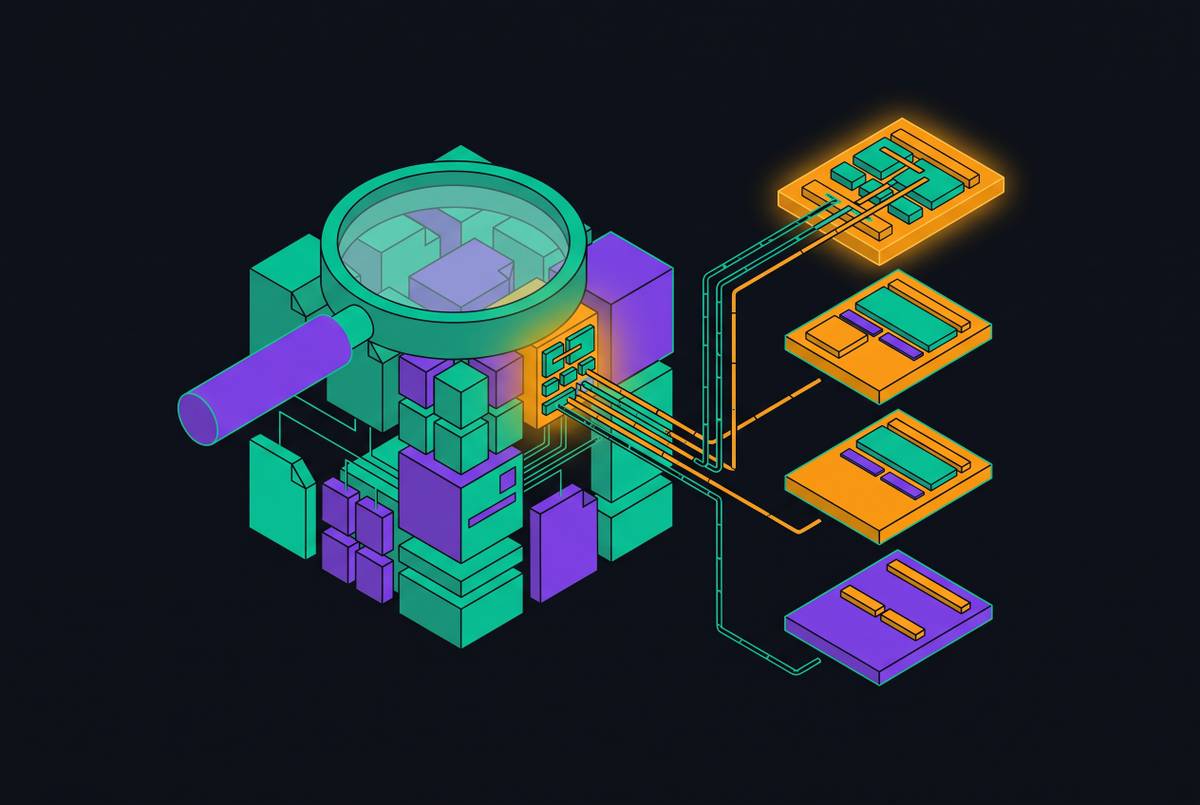
Search answers where something is. A code intelligence platform answers how it connects, what depends on it, and what would break if it changed; answering that requires a persistent, indexed model of the system as a whole, not a point-in-time lookup. This layer adds semantic understanding across a dependency graph, cross-repository go-to-definition and find-references at the system level, and you can trace something like the downstream impact of changing a database schema across every service that touches it.
The persistence of the model is what separates this layer from session-based tools. To be useful at enterprise scale, a platform in this layer has to handle monorepos and distributed multi-repo architectures, support multiple languages, deploy in a self-hosted mode where compliance requires it, and keep its index fresh enough to reflect a codebase that changes daily.
Sourcebot's code intelligence works this way in practice: it provides semantic code intelligence across multiple languages, structural understanding of how functions and classes relate rather than simple text matching, with cross-repository dependency tracing built in to cover the multi-repo architectures where single-repo tools fail. The same platform that serves human navigation also serves context to AI coding agents over MCP, so you don't get an intelligence model walled off from the agent workflow that depends on it.
Visualization tools, dependency graphs and architecture diagrams, belong to a related but narrower category. Most mature engineering organizations pair a dedicated search tool with an intelligence platform rather than treating the two as interchangeable: search handles retrieval speed, and intelligence handles the structural reasoning that speed alone can't provide.
Layer 3: AI context layers, giving agents the right slice of a large codebase, not just a large context window
An AI coding agent working without a purpose-built context layer doesn't just underperform, it actively misleads, because it will confidently retrieve and act on stale or deprecated patterns the moment a codebase outgrows what fits inside a single session window.
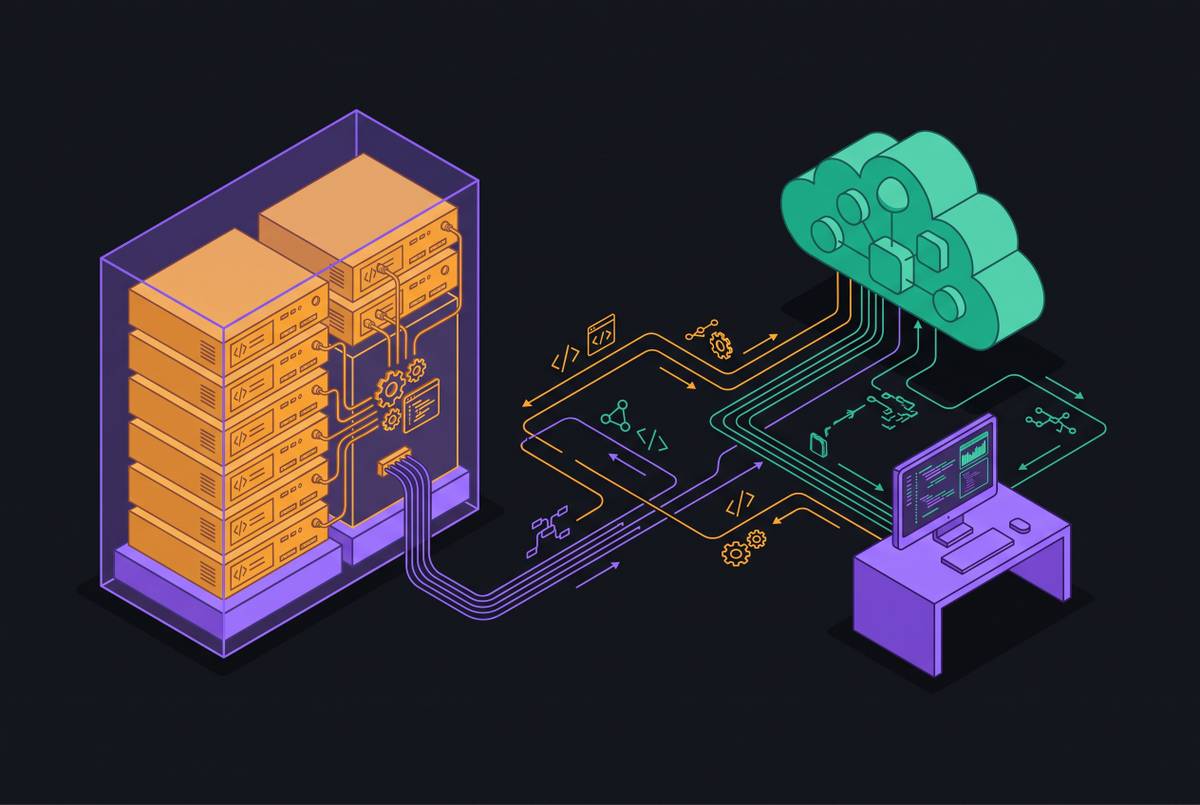
That retrieval and grounding problem is distinct from search. Search helps a human find code. The Model Context Protocol, MCP, is the mechanism that connects context layers to agents, and its practical effect is that an agent running in one IDE can use the same context servers as an agent running in a completely different environment, cutting down the fragmentation that would otherwise exist between tools. MCP support is close to universal across serious tools at this point, but depth varies a great deal: evaluate whether a tool maintains durable connections, how it handles long-running servers, and whether tool-call traces are visible enough to debug when something goes wrong.
The most effective AI context layers maintain a live index across an entire codebase, and they connect to the agent framework through a standard protocol. A coding agent therefore gets full context across every repository in the organization, not just the files open in the current session, which is what makes agent output on a large distributed system useful.
Lighter-weight tools serve a narrower need. The strongest objection to adding a dedicated context layer at all is that context windows approaching a million tokens reduce the need for retrieval on moderately sized repositories. But even windows that large don't solve staleness on a codebase that changes constantly, and enterprise-scale multi-repo systems routinely exceed what any single window can hold, however generous it is.
AI coding agents at the codebase level
AI coding agents are the most visible tools in this landscape and the most frequently misread, because how useful one is on an unfamiliar codebase depends almost entirely on the context infrastructure underneath it.
Claude Code runs across the terminal, VS Code, JetBrains, a desktop app, and the browser, all sharing one engine, and supports MCP, subagents, and background agents, with a context window large enough to hold substantial projects. Its MCP integration includes solid connection management with automatic reconnection and retry logic, though it lacks a native registry (servers are configured through settings files) and doesn't natively expose full tool-call traces. That combination makes it a strong consumer of a well-configured context layer sitting beneath it.
Cursor is an AI-native editor pairing an agent with cloud agents, MCP support, code review and autofix through Bugbot, and a CLI, with access to frontier models from several providers. It indexes the local codebase and maintains session awareness, and while chat sessions start fresh by default, Cursor Projects, launched in September 2026, introduced persistent, project-scoped shared context files that sync across cloud and local machines, giving the product a genuine form of persistent organizational context that it previously lacked. Its MCP support is competitive, but you'll see rougher edges on long-running MCP servers than with Claude Code's implementation, so test it directly if your team depends on durable MCP connections. On the vendor side, SpaceX completed its acquisition of Anysphere, Cursor's maker, in August 2026. The product continues operating as before, but if you're an enterprise procurement team evaluating it, keep an eye on how model access and privacy terms evolve under the new ownership.
Both tools excel at explaining and modifying the code directly in front of them, and they can generate tests, fix bugs, and walk you through logic interactively. The agent is the executor. The context layer underneath it keeps that execution grounded in the actual, current state of the system.
Layer 4: Non-engineer and new-hire access, reducing the interrupt load that codebase opacity creates
Every question a product manager, a support engineer, or a new hire cannot answer on their own becomes an interruption for a senior engineer, and at organizational scale, that accumulation turns codebase opacity into a throughput problem. Three groups carry this cost: new engineers, whose ramp time is measured in weeks or months before they can contribute safely; non-engineers like PMs and support staff, who need answers from the codebase but cannot navigate it directly; and senior engineers, who absorb the interrupt tax generated by both of the other two groups.
Solving this layer requires translating code and the artifacts that surround it, tickets, runbooks, architecture decision records, design docs, into natural-language answers that carry citations back to their source, instead of returning raw code snippets that require fluency to interpret. The citation requirement is non-negotiable for engineering teams specifically: an answer that cannot be traced back to a verifiable source will not be trusted, no matter how fluent it sounds.
New hires and non-engineers benefit most from tools that pair natural-language search with integrated access to project metadata. The organizational upside of getting this right is substantial: specialists, contractors, and new hires can contribute meaningfully without a multi-week onboarding runway, because context that used to live only in senior engineers' heads becomes queryable by anyone with a legitimate need for it.
One caution belongs here. Architecture explanations generated by AI should be treated as a starting hypothesis to verify against project artifacts or the people who were actually there, not as a settled answer.
Self-hosting versus cloud: preference or requirement
For a meaningful share of engineering organizations, self-hosting isn't a stylistic preference, it's the only deployment mode that clears regulatory, contractual, or security obligations. It functions as the first filter applied before any feature gets compared. A self-hosted tool runs inference and indexing inside a customer's own infrastructure. When you use a cloud-hosted tool, your code transits a vendor's infrastructure, even when that vendor promises zero data retention, and that makes for a genuinely different threat model, not a cosmetic one.
AI IDEs and coding assistants read more of a development environment than most security teams expect, including environment files, YAML configs, and MCP configuration files, and most do not distinguish between safe content and sensitive content when they do. Shadow AI is the enforcement risk that follows: when an approved tool doesn't meet developer needs, developers route around it using tools nobody approved, and a self-hosted platform that's genuinely useful reduces the incentive to go around it in ways a security team can't see, audit, or control.
Self-hosting is a hard requirement, not a preference, for defense contractors, healthcare companies, financial institutions, and any organization handling regulated, proprietary, or classified data. Sourcebot deploys as a single Docker container inside a customer's own infrastructure, keeping the indexed model, search queries, agent context, and every output within that security perimeter, and bring-your-own-model flexibility puts the choice of LLM provider in the customer's hands. That single-container deployment model matters for a second reason beyond privacy: it means self-hosting doesn't demand a dedicated operations team or complicated infrastructure, which removes the operational-overhead objection that has historically made self-hosting feel impractical.
A framework for choosing across the four layers, what to evaluate and in what order
An organization should identify which layer its current context gap falls into, and which constraints narrow the field before features can even be compared.
Start by identifying where the gap is sharpest: is the core problem that code can't be found across repositories (Layer 1), that nobody understands how the system connects (Layer 2), that AI agents are producing stale or incorrect output (Layer 3), or that non-engineers and new hires are constantly interrupting senior engineers (Layer 4)? Evaluate multi-repo reach as a third step, since any organization running more than one repository or more than one code host will find single-repo tools fail structurally, regardless of what else they offer.
Fourth, evaluate AI-agent compatibility on MCP depth and index freshness. A free tier that indexes real repositories lets a team test fit against its own codebase directly, which matters because the hardest variable to predict in advance is how well a given indexing tool handles the specific languages, repo sizes, and code structures a team actually has.
Working through the five-step sequence against a team's own codebase leads to a better decision than adopting a single tool because it was the most familiar name on the list.